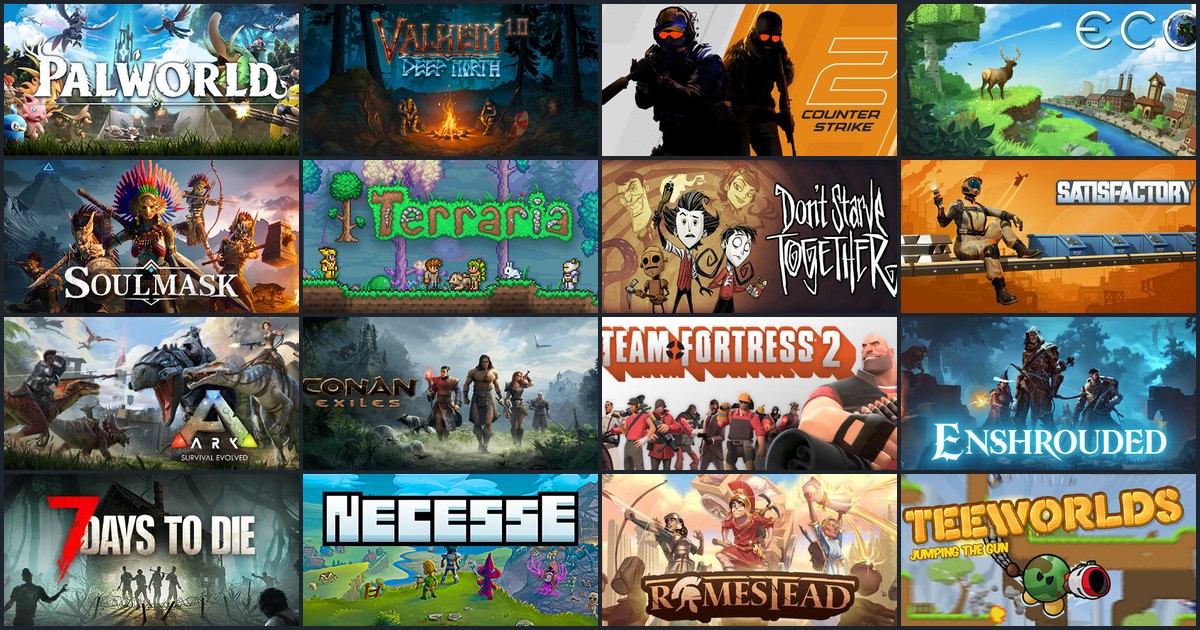
Until now, only a server's owner could start it, stop it or change its settings. Going on holiday, or the server crashes one evening while you're away? Your friends had to wait for you. Not anymore: every server now has its own team.
Two roles to choose from. From the "Management" tab of your server page, add a Drooft friend to the team and pick their role:
- Operator: start, stop and retry the server, abort a start. Perfect for letting a friend restart the server while you're away
- Admin: also change the game settings, manage players live (Palworld, Counter-Strike 2), handle backups and the automatic restart
What stays yours. The server's name, ports and type, the passwords, the tokens tied to your accounts (Steam GSLT, Eco's Strange Cloud token, Don't Starve Together's cluster token), mods, reinstalling, deleting and the team itself remain reserved to the owner. Your tokens are never shown to the team, and your host (the machine itself) is never accessible to it.
Who did what? As soon as a server has a team, the action history shows who started, stopped or backed it up.
A clearer server page. Along the way, each server page has been reorganised into four tabs:
- Server: the address and password to copy in one click to join the game, direct launch via Steam, the action history, and the machine's CPU/RAM usage over the last 24 hours, visible to the whole team (memory that keeps climbing may mean it's time for a restart)
- Game settings: all of the game's settings
- Mods: Ark mods, Eco's Drooft mods, Counter-Strike 2 plugins and SourceMod for Team Fortress 2. On Eco, a disabled mod now takes a single line
- Management: the team, the automatic restart, backups, reinstalling and deleting
All that's left is choosing who will look after your server. No friends on Drooft yet? Add them from your account, then head to My games.